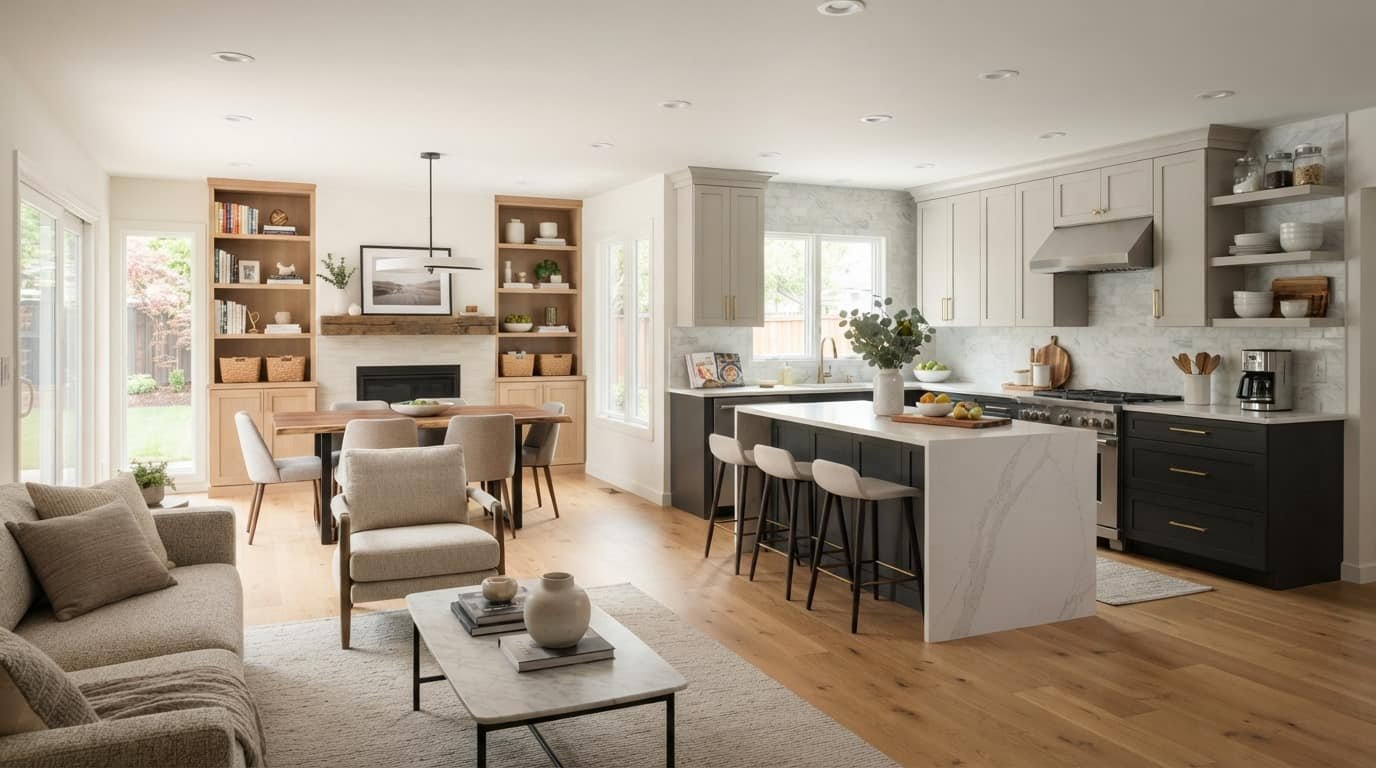
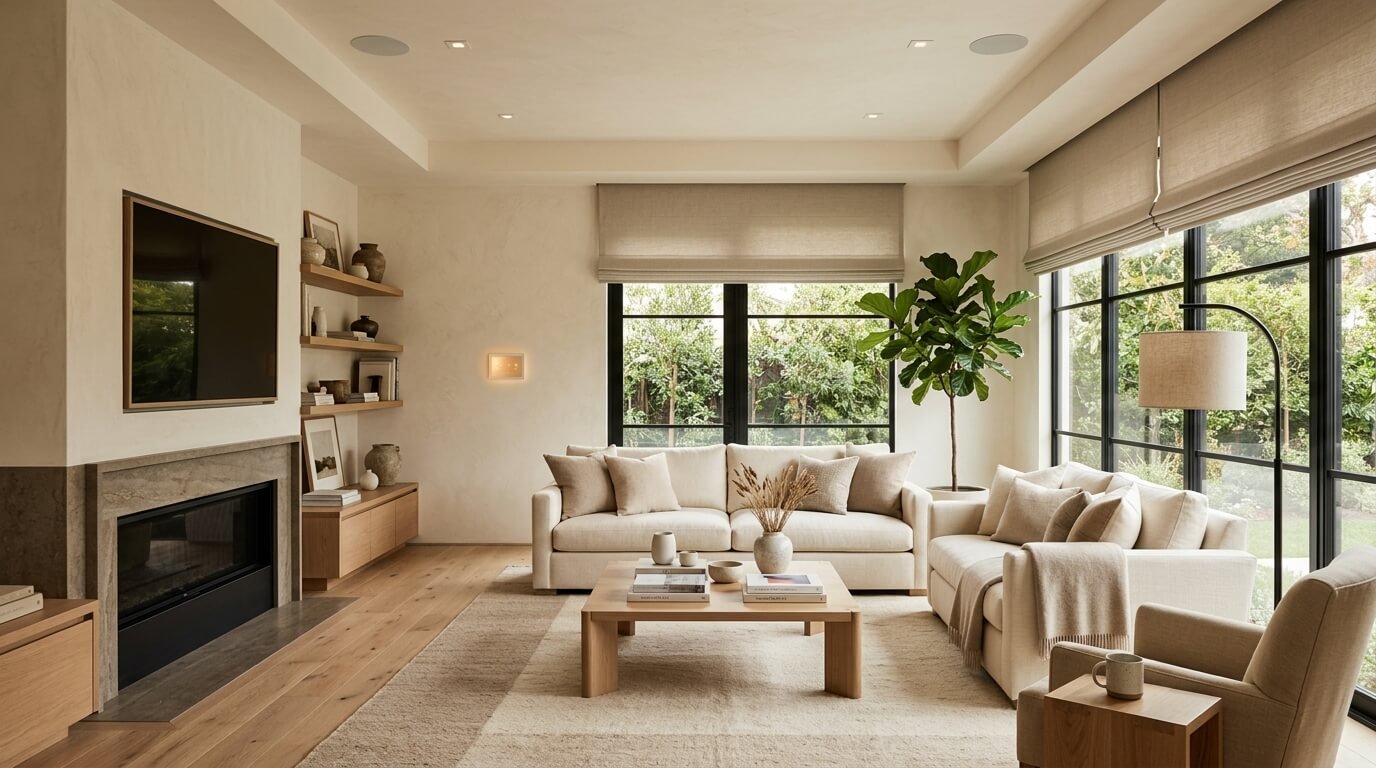
A smart home doesn’t have to look like a collection of gadgets.
When technology is planned alongside the layout, lighting, furniture, finishes, and daily routines, it can become a natural part of the home rather than something that takes over the space. That’s the idea behind smart home interior design.
Instead of adding smart devices after a room is finished, this approach considers technology from the beginning. Lighting, climate control, motorized shades, security, entertainment, wiring, and controls are selected according to how the homeowner actually uses the space.
For example, a smart living room might have concealed TV wiring, built-in speakers, automated shades, layered lighting, and a “Movie Night” scene that adjusts everything at once. You still see a comfortable living room not a wall of technology.
What Is Smart Home Interior Design?
Smart home interior design is the process of combining interior design with smart home technology and automation to create a home that is comfortable, functional, attractive, and easier to manage.
It considers both how a home looks and how it works.
That can include:
- Smart and layered lighting
- Automated window treatments
- Smart thermostats and climate control
- Connected security devices
- Smart appliances
- Integrated audio and entertainment
- Sensors and automation
- Voice and app controls
- Electrical and network planning
- Concealed wiring and equipment
The key difference is planning.
A smart bulb installed in an existing lamp is smart technology. Designing an entire room around layered lighting, convenient controls, concealed wiring, and automated lighting scenes is smart interior design.
The goal isn’t to make every part of the home connected. It’s to use technology where it genuinely improves everyday life.
Smart Home vs. Smart Home Interior Design
The terms sound similar, but they’re not quite the same.
A smart home is primarily about connected devices and automation. You might have a smart thermostat, smart locks, smart lights, cameras, and a voice assistant.
Smart home interior design adds another layer: how those systems fit into the physical home.
Consider two living rooms.
In the first, a homeowner adds a smart TV, several smart lamps, a wireless speaker, and a camera. The technology works, but cables and devices are scattered around the room.
In the second, the technology was considered during the design stage. The TV wiring is concealed, speakers are integrated into the room, lighting is layered, controls are easy to reach, and automated shades complement the window treatments.
Both rooms are smart. The second has been designed around smart technology.
What Makes a Home Interior “Smart”?
A smart interior isn’t defined by how many connected products it contains. It’s defined by how well the technology works with the space and the people using it.
Smart Lighting
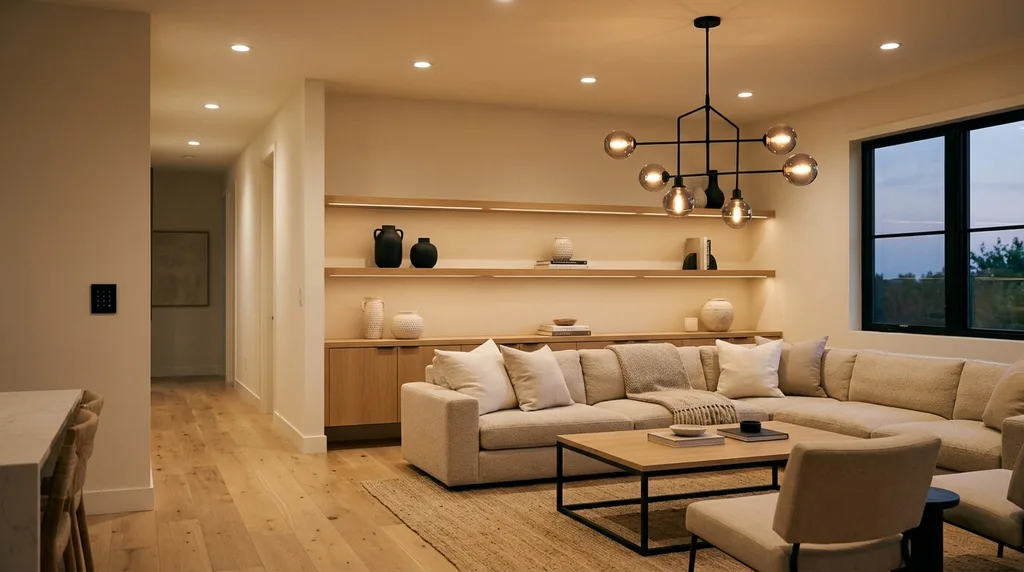
Lighting is one of the easiest places to combine technology with interior design.
Instead of relying on a single ceiling fixture, a room can use ambient, task, and accent lighting. Smart controls can then adjust those layers for different activities.
For example, a kitchen might use bright task lighting while you’re cooking, softer under-cabinet lighting while you’re having dinner, and low-level lighting when someone enters the room at night.
Useful features include:
- Dimmers
- Occupancy sensors
- Motion sensors
- Lighting schedules
- Adjustable color temperature
- Room-specific scenes
- App, voice, and physical controls
The important part is to design the lighting first and automate it second.
Smart Climate Control
Smart thermostats can make temperature management more convenient by using schedules, sensors, occupancy information, or remotely controlled settings, depending on the system.
For interior design, consider where thermostats and sensors will be located before finishing the room. A sensor hidden behind furniture may look neat but provide poor information.
Motorized Shades and Blinds
Automated window treatments can combine privacy, daylight control, comfort, and aesthetics.
Imagine a bedroom facing east. Shades can open gradually in the morning and close in the evening for privacy. In a sunny living room, they can lower during periods of intense glare.
The hardware should complement the window treatment rather than becoming an unnecessary visual distraction.
Smart Security
Smart locks, video doorbells, cameras, motion sensors, and door or window sensors can add convenience and monitoring.
Interior design still matters. Devices should have appropriate placement and access for maintenance without becoming awkward visual features.
Integrated Entertainment
Entertainment technology can easily create clutter if it isn’t planned carefully.
A cleaner approach may include:
- Concealed TV wiring
- In-wall or ceiling speakers
- Built-in equipment storage
- Centralized media equipment
- Multi-room audio
- Lighting and shade scenes
A “Movie Night” scene, for example, could lower the shades, dim selected lights, and activate compatible entertainment equipment.
Smart Home Interior Design Ideas by Room
The best smart home ideas depend on what happens in each room. A kitchen has different needs from a bedroom, so automation should follow the function of the space.
Living Room
A living room often needs to support several activities, including relaxing, reading, entertaining, and watching television.
Consider layered lighting, automated shades, concealed cables, integrated audio, and convenient temperature controls.
One useful setup might have three scenes:
Reading: brighter task lighting near the chair.
Movie: shades close, lights dim, and entertainment equipment activates.
Evening: warm accent lighting creates a softer atmosphere.
The furniture layout should remain comfortable even if the technology stops working.
Kitchen
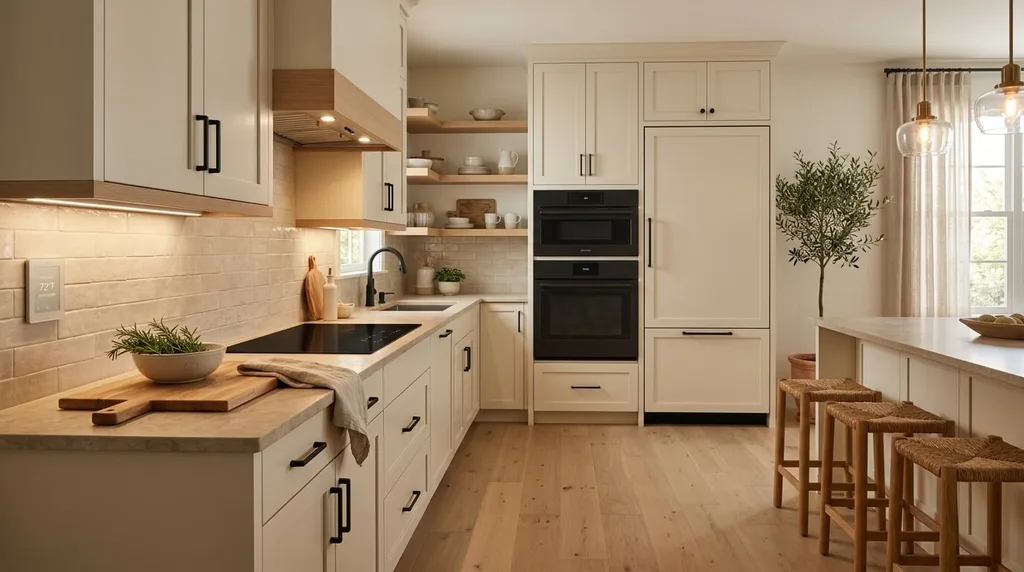
The kitchen can benefit from smart features that reduce repetitive tasks.
Useful options include:
- Under-cabinet lighting
- Motion-activated lighting
- Smart appliances
- Voice-controlled timers
- Smart displays
- Touchless fixtures
- Adjustable task lighting
For example, motion-activated lighting under the cabinets can provide enough light for a late-night snack without turning on every kitchen fixture.
Bedroom
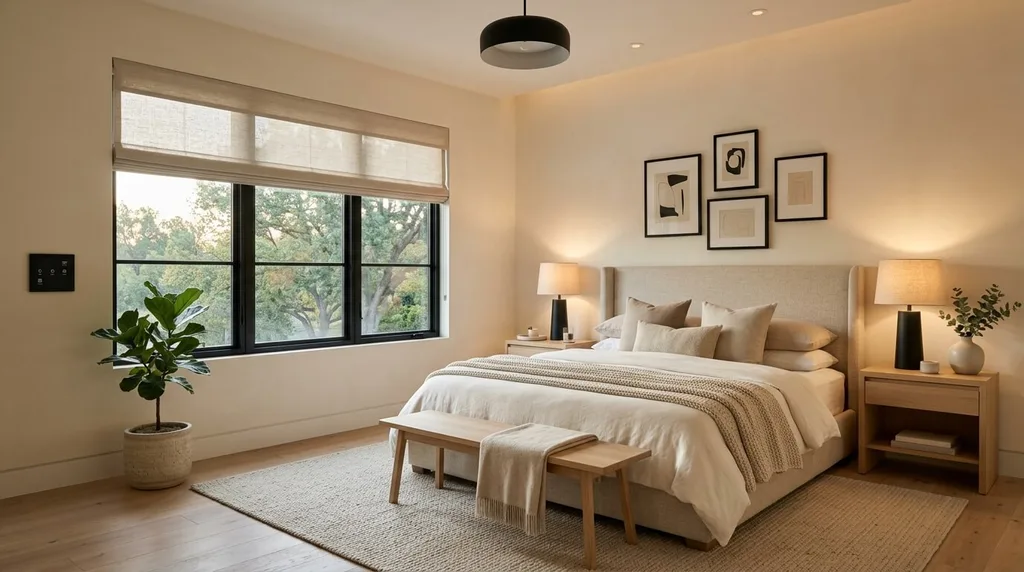
Bedrooms generally benefit from quiet, low-effort automation.
Motorized shades can open in the morning, while warm bedside lighting can gradually dim at night.
A simple bedtime routine might turn off selected downstairs lights, lower the bedroom shades, adjust the thermostat, and lock compatible doors.
Keep essential controls easy to reach. Smart technology should reduce friction, not make a basic task dependent on finding the right app.
Bathroom
Bathrooms can use smart features without becoming overly complicated.
Motion-based night lighting is particularly useful because it can provide enough illumination without turning on bright overhead fixtures during the night.
Depending on the design and budget, homeowners might also consider smart mirrors, heated floors, automated ventilation, or integrated audio.
Electrical and connected equipment should always be appropriate for the bathroom environment and installed according to applicable safety requirements.
Home Office
A smart home office should prioritize productivity.
Consider adjustable lighting, automated shades, climate control, smart outlets, charging locations, and reliable network connectivity.
Cable management is especially important here. A well-designed office can have plenty of technology while still maintaining a clean workspace.
How to Integrate Smart Technology Without Ruining the Decor
One of the biggest advantages of planning technology during the design stage is that you can decide what should be visible and what should be discreet.
TV cables can be routed through planned pathways. Speakers can sometimes be integrated into walls or ceilings. Charging stations can be incorporated into furniture or cabinetry.
Switches and controls can also be selected to coordinate with the room’s hardware and finishes.
However, don’t hide technology simply for appearance.
A Wi-Fi device placed inside an enclosed cabinet may look cleaner but perform poorly. A control that’s difficult to reach isn’t useful just because it isn’t visible.
Good smart interior design balances appearance, performance, accessibility, and maintenance.
Should You Plan Smart Features Differently for a New Home?
Yes.
New construction gives you more opportunities to plan the infrastructure before walls and ceilings are finished.
You can think ahead about:
- Electrical outlets
- Ethernet connections
- Network access points
- Speaker locations
- Lighting circuits
- Motorized shades
- Equipment storage
- Charging locations
- Control locations
This doesn’t mean every new home needs extensive wiring. It simply gives you more choices before construction is complete.
What About an Existing Home?
You can still create a smart interior without opening every wall.
Wireless switches, smart bulbs, sensors, thermostats, plugs, locks, and retrofit window treatments can be added gradually.
Start with the rooms where automation will have the biggest impact rather than trying to convert the entire house at once.
For example, if you constantly adjust the temperature and lighting in your living room, start there. Once the system works well, consider expanding it.
How to Plan Smart Home Interior Design
A common mistake is to start by shopping for smart devices.
A better approach is to start with your lifestyle.
1. Identify Repetitive Tasks
What do you repeatedly do every day?
Adjust shades? Turn off lights? Change the thermostat? Lock doors? Switch between lighting levels?
These are potential automation opportunities.
2. Decide What Actually Needs Automation
Not everything needs to be connected.
If flipping a light switch is already convenient, there’s no requirement to replace it simply because a smart alternative exists.
3. Plan the Room
Consider furniture placement, traffic flow, lighting, storage, electrical outlets, and controls.
4. Plan Your Network
Reliable connectivity is an important part of a connected home. Consider Wi-Fi coverage and whether certain devices would benefit from wired networking.
5. Choose a Compatible Ecosystem
Before buying several products, check whether they can work together.
A home filled with devices that require different apps can become more complicated rather than smarter.
6. Select the Technology
Choose devices based on actual needs, reliability, compatibility, appearance, and long-term usefulness.
7. Integrate the Technology
Decide which devices should be visible, concealed, built into the room, or coordinated with its finishes.
8. Create Simple Automation Scenes
Useful scenes might include:
- Morning
- Evening
- Movie
- Away
- Good Night
9. Test Before Expanding
Make sure the controls make sense to everyone who uses the home.
Smart Home Automation Ideas for Everyday Life
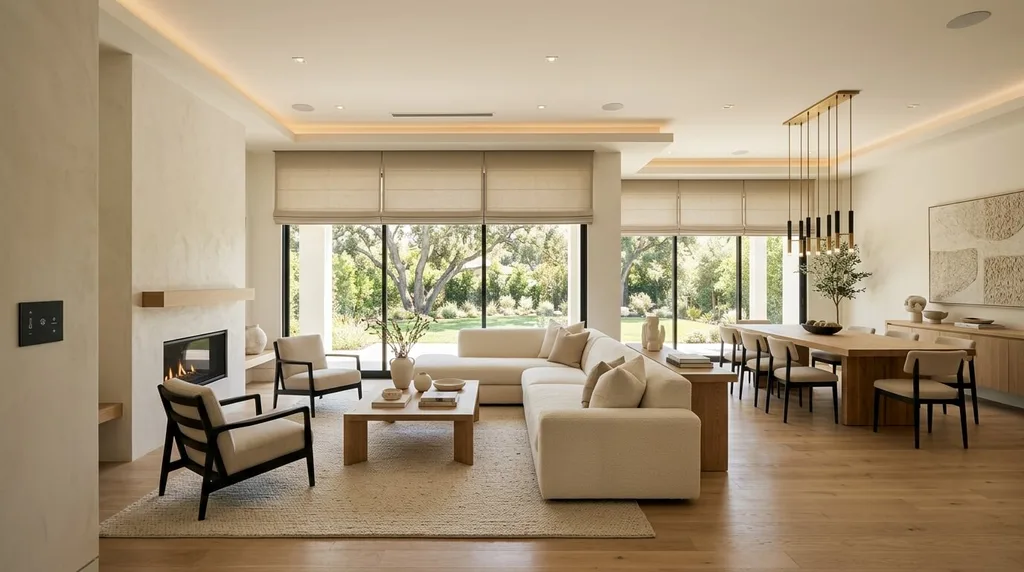
The most useful automation usually connects several actions into one simple routine.
Morning
A morning scene could gradually increase bedroom lighting, open compatible shades, and adjust the thermostat.
Movie Night
A movie scene could close the shades, dim selected lights, and activate compatible entertainment equipment.
Leaving Home
An away routine could turn off selected lights, adjust the thermostat, lock compatible doors, and activate security features.
Bedtime
A good-night routine could turn off downstairs lighting, adjust bedroom conditions, lower shades, and lock compatible doors.
These examples highlight a simple rule:
Automate routines, not gadgets.
The homeowner shouldn’t have to think about which device performs which function. The system should make the desired result easier to achieve.
What Are the Benefits of Smart Home Interior Design?
More Convenience
Routine tasks can happen with less effort.
Better Comfort
Lighting, shades, and climate settings can respond to different activities and times of day.
Cleaner Interiors
Planning technology can reduce visible cables and equipment.
More Flexible Rooms
Automation can help one room serve multiple purposes without requiring major physical changes.
Energy Management
Automation may help reduce unnecessary lighting or climate use, depending on the equipment, settings, and homeowner behavior.
Additional Security and Monitoring
Connected locks, sensors, cameras, and doorbells can provide additional control and awareness.
Accessibility
Voice controls, automated shades, motion-based lighting, and conveniently placed controls can make some household tasks easier.
What Are the Downsides?
Smart home technology also introduces trade-offs.
The initial cost can be higher, especially when electrical work, networking, professional installation, integrated audio, or motorized shades are involved.
Compatibility is another concern. Products from different manufacturers may not work together as smoothly as expected.
Some systems also depend on internet connections or cloud services for certain features. Privacy, account security, software support, and future compatibility should therefore be considered before making a large investment.
There’s also a maintenance factor. Technology changes, and eventually some devices may need to be replaced.
For most homeowners, the answer isn’t to avoid smart technology. It’s to choose useful, compatible systems instead of accumulating gadgets.
Common Smart Home Interior Design Mistakes
Buying Technology Before Planning the Space
A device should support the room rather than force the room to accommodate it.
Ignoring Network Planning
Poor connectivity can make even good smart devices frustrating to use.
Leaving Cables Everywhere
Technology can quickly become visual clutter when cable management isn’t considered.
Automating Everything
Automation should solve problems. It shouldn’t create unnecessary complexity.
Removing Every Physical Control
Apps and voice commands are useful, but physical controls remain valuable for basic functions and guests.
Forgetting Other People in the Home
A system should be easy for family members and visitors to understand.
Designing Only for Current Technology
Avoid making the entire interior dependent on one specific device or platform. Leave room for future upgrades.
Choosing Technology That Doesn’t Fit the Decor
A highly visible device can become an unwanted focal point when its design clashes with the room.
How Much Does Smart Home Interior Design Cost?
There isn’t a single price for a smart home interior because projects vary dramatically.
A basic setup might include smart bulbs, plugs, sensors, and a thermostat.
A mid-range setup could include multiple rooms with smart lighting, climate control, security, automated shades, and scenes.
A premium whole-home system may involve structured wiring, integrated audio, architectural lighting, motorized window treatments, advanced climate control, security, and professional programming.
Your cost will depend on factors such as:
- Number of rooms
- New construction vs. existing home
- Electrical work
- Wired vs. wireless equipment
- Network infrastructure
- Lighting
- Window treatments
- Security
- Audio/video
- Professional installation
- System complexity
For many homeowners, a gradual approach makes more sense than trying to automate the entire house in one project.
What Should You Automate First?
If you’re new to smart home technology, start with tasks you perform frequently.
Good candidates include:
- Lighting
- Thermostat schedules
- Window shades
- Security routines
- Morning scenes
- Bedtime scenes
- Away routines
Be cautious about automating things that are already simple.
If you can easily turn a lamp on with a nearby switch, adding a complicated automation may not improve your life.
A good rule is:
Automate friction, not everything.
Smart Home Interior Design Checklist
Before starting your project, consider:
- ☐ What daily routines do I want to simplify?
- ☐ Which functions actually need automation?
- ☐ How will furniture and technology work together?
- ☐ Where should electrical outlets and controls go?
- ☐ Is Wi-Fi coverage adequate?
- ☐ Would certain devices benefit from wired networking?
- ☐ Which smart-home ecosystem fits my needs?
- ☐ Which technology should be visible?
- ☐ Which components should be concealed?
- ☐ Have I planned lighting layers?
- ☐ Do I need automated shades?
- ☐ Have I considered security?
- ☐ Are physical controls still available where useful?
- ☐ Can the system be expanded later?
- ☐ Can everyone in the household use it easily?
Frequently Asked Questions
What is smart home interior design?
Smart home interior design combines interior design with connected technology and automation. It considers how smart lighting, climate control, security, entertainment, networking, and other systems fit into the home’s layout, appearance, and daily routines.
What is an example of smart home interior design?
A living room with concealed wiring, integrated speakers, layered smart lighting, automated shades, and a simple movie-night scene is a practical example.
Is smart home interior design only for modern homes?
No. Smart technology can be integrated into modern, traditional, minimalist, transitional, industrial, and other interior styles. The controls and equipment can be selected to complement the home’s existing design.
Can I add smart technology to an existing home?
Yes. Many smart devices can be installed without major remodeling. Wireless lighting, sensors, thermostats, plugs, locks, and retrofit window treatments can be introduced gradually.
Is smart home interior design expensive?
It can be inexpensive for a few simple upgrades or significantly more costly for a whole-home system. Electrical work, networking, professional installation, lighting, security, audio, and motorized shades can all affect the final cost.
Does smart home technology have to be visible?
No. Some technology can be concealed or integrated into the architecture and furniture. However, hiding equipment should never compromise performance, safety, accessibility, or maintenance.
What should I automate first?
Start with frequent tasks that genuinely save time or improve comfort, such as lighting, climate control, shades, security routines, and morning or bedtime scenes.
Final Thoughts
Smart home interior design is less about owning the newest technology and more about designing a home that works better for the people living in it.
Start with your routines, plan the room, consider the electrical and network infrastructure, and then choose technology that solves real problems. Keep important controls simple, avoid unnecessary automation, and make sure the technology complements the home’s style.
When done well, the smartest features may be the ones you barely notice.
You simply walk into the room, and the lighting feels right. The temperature is comfortable. The shades provide the privacy you want. Your entertainment system is ready when you need it.
That’s the real goal of a smart home: not more technology, but a better home.
Related resources: 7 Brilliant Home Bar Cabinet Ideas for a Stylish Home · Dark Blue House With Deck: 7 Color Combinations That Work